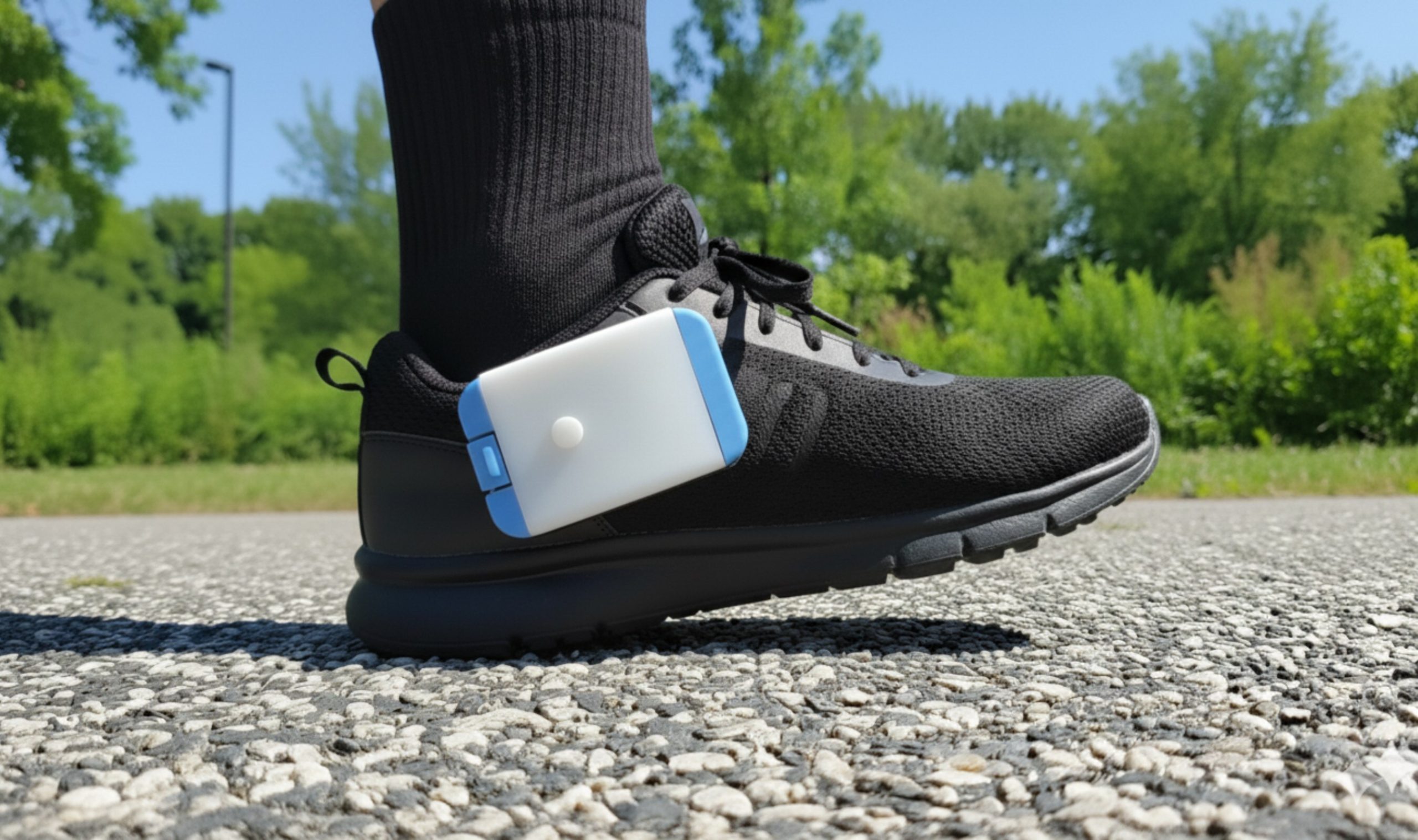
Heel2Toe™ light (LED) guide
What the lights on your sensor are telling you
Start here
Your Heel2Toe has two lights
Knowing which one you are looking at answers most questions straight away.
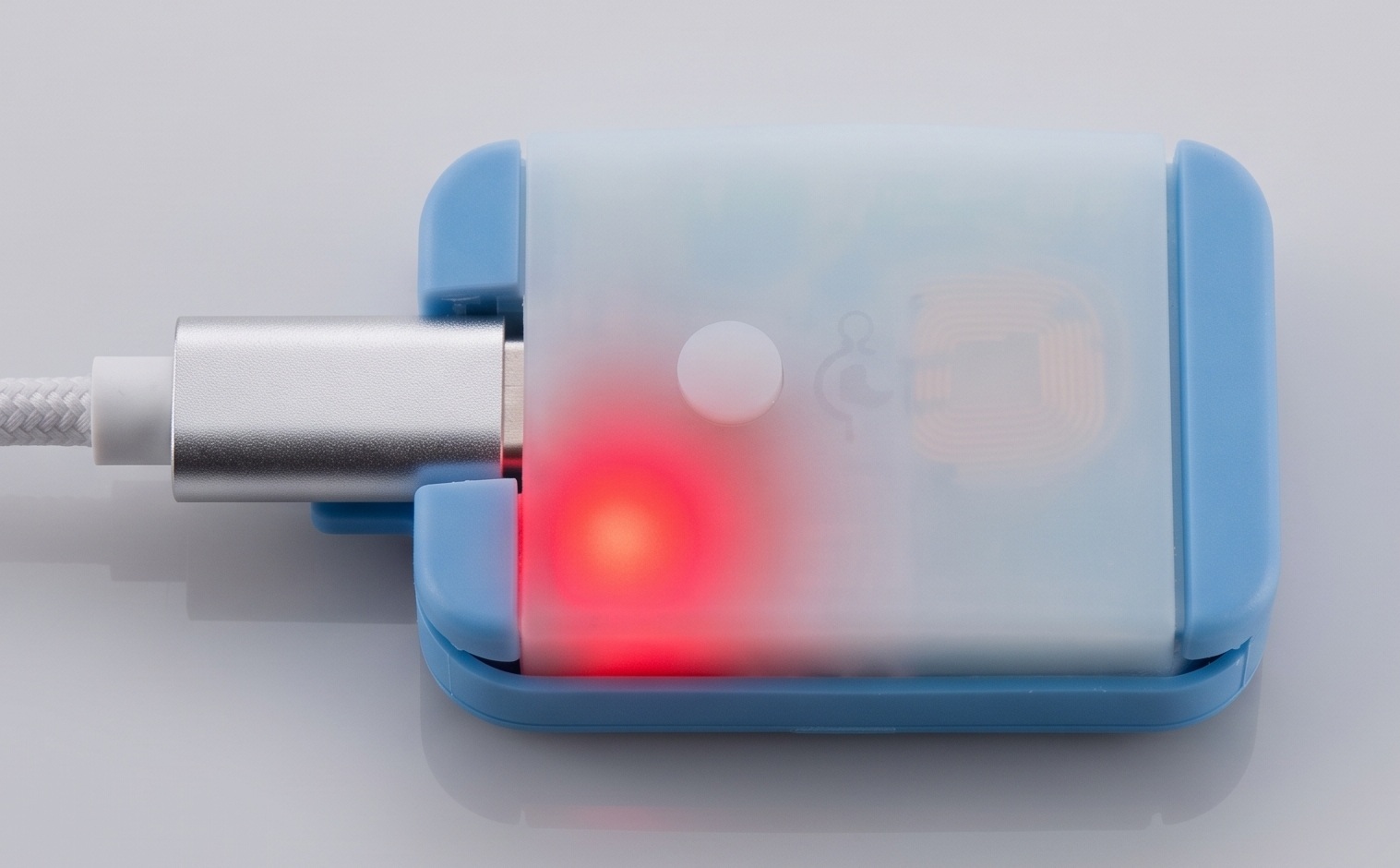
Charging lightShows charging status when the device is plugged in with the USB-C cable. |
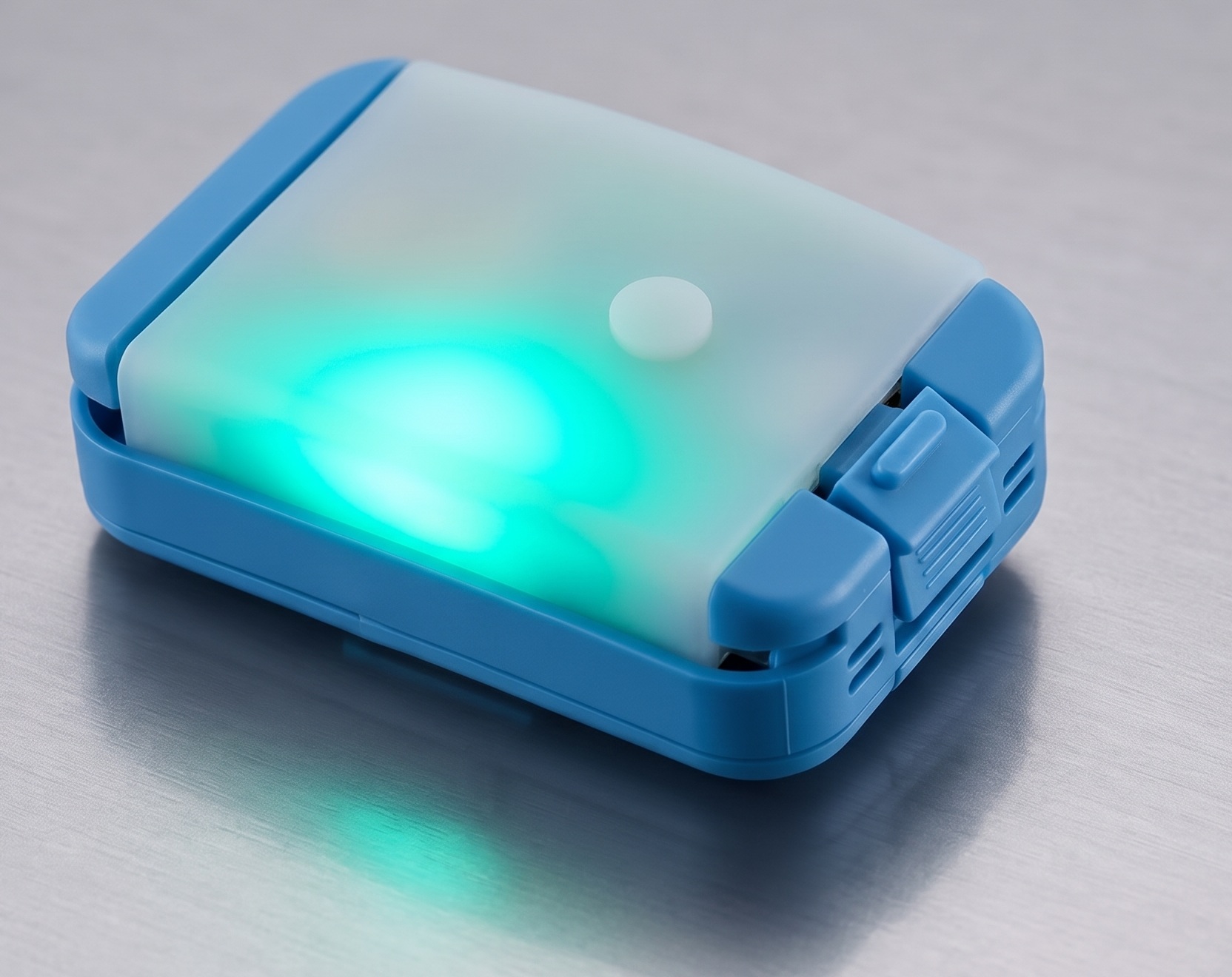
Operating lightThe round light on top. Shows what the device is doing. |
Most asked
While you are walking
Every few seconds the operating light gives a short pulse to show status.
| Green | All good — right foot |
| Orange | All good — left foot |
| Blue | Working, but the beep is switched off |
| Purple | Not calibrated yet, or no memory card |
| Yellow | Battery low — charge soon |
| Red | Battery critically low |
Remember: it is the beep, not the light, that tells you when you have made a good step.
After you press record
Calibrating
Stand still. The light holds a steady colour to confirm which foot it is set for.
| Purple | Right foot |
| Orange | Left foot |
| Pink | Auto Foot Detect — it works out your foot from your first steps |
You will hear four short beeps and one long beep when calibration is complete. With Auto Foot Detect, after your first steps the light turns green for right or orange for left.
Switching on and connecting
Start-up, charging and docking
| Red | Charging light: the device is charging |
| No light | Charging light: fully charged |
| Blue, green, red | Normal start-up check when you switch the device on. A single white flash means a memory card is fitted. |
| Blinking blue | Docking mode — the device is talking to the Docking Station app and will not record. To enter it, plug the device in and switch it off and back on. |
Something is wrong
Error signal
Steady red light and five short beeps
There is a problem with the memory (SD) card — it may be full, damaged, or in the wrong format.
What to do: the card may need replacing. Contact support and we will help.
Still not sure what your light means?
Tell us the colour and what you were doing, and we will sort it out.