What’s new
A combined release across our Heel2Toe device firmware and the Docking Station app — refined Walk-BEST scoring, a new weekly summary, automatic foot detection, and a faster, more reliable USB connection.
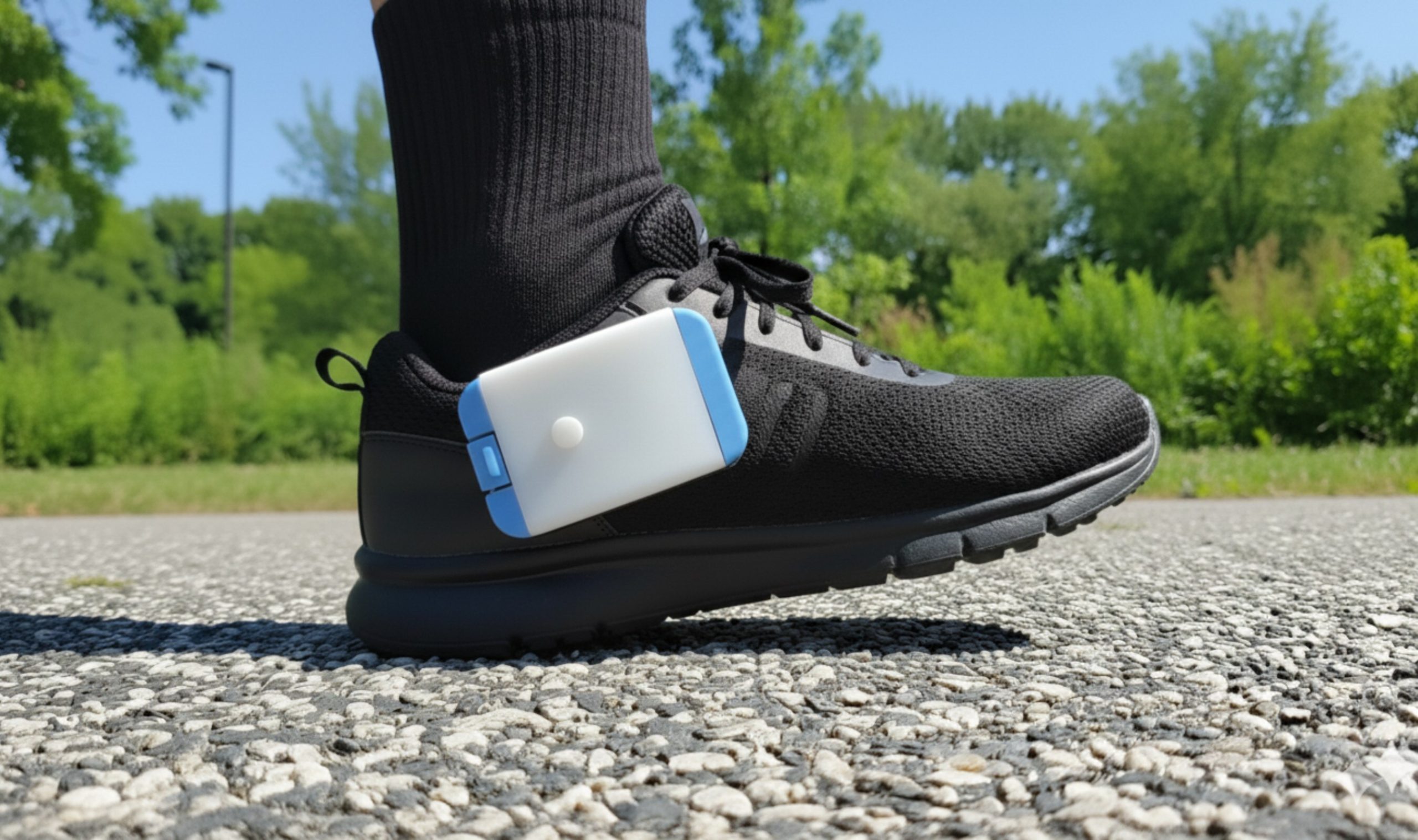
Heel2Toe firmware (rev12) — preinstalled on every Heel2Toe device shipped on or after May 1, 2026.
The four biggest changes
Introducing the Walk-BEST score
A single, easy-to-read number that captures the quality of your walking — combining good-step ratio, cadence consistency, and gait stability into one score. Built and tuned from real-world sessions, the Walk-BEST score gives you (and your clinician) a clear way to track progress over time.
Weekly summary
A new home-screen card summarizes your past seven days at a glance: Walk-BEST score, good-steps percentage, total sessions and duration, plus heat maps and a written gait insight. See your week without digging through individual sessions.
Automatic left / right foot detection
No more setting which foot you’re wearing. A small on-device neural network looks at your first few steps and identifies the foot automatically.
Faster, more reliable USB connection
iPhone now mounts Heel2Toe on the first try in 15–20 seconds (was 30–45s with frequent retries). Android in 5–10 seconds. USB-C ports on modern Macs and PCs now recognize the device on first plug.
Other improvements
- ✓SD card write protection — if the SD card is full, damaged, or formatted incorrectly, the device spots it early, alerts you with a red LED plus five short beeps, and stops writing — so your session data won’t be silently corrupted.
- ✓Smarter, more adaptive heelstrike beep — the auto-threshold that drives your real-time beep adapts faster and more reliably. The device targets ~90% “good steps” and adjusts on the fly to keep you in that zone over long walks.
- ✓Set the device clock from your iPhone — previously Windows 11, macOS, and Android only; iOS now supported through the new USB mailbox.
- ✓Cleaner device identity — Heel2Toe now shows as PhysioBiometrics — Heel2Toe Sensor in operating system device lists, instead of generic names.
- ✓Built-in diagnostics on every plug-in — the device writes its current firmware version and clock reading to a small
CDC/folder on the SD card, so you can confirm the device is healthy without an extra app. - ✓Full macOS desktop support — secure folder picking, file-deletion, serial-port, and analytics rollups all working on the Mac.
- ✓Android storage hardening — improved tree-URI management reduces “drive not accessible” errors when the OS revokes a previous folder grant.
Workarounds if you stay on rev 11
Heel2Toe revision 11 works fine. If you choose not to upgrade, here is how to work around the four areas where rev 12 makes things smoother.
Heelstrike beep threshold
Use the manual threshold only. The auto-threshold drifts and the beep can stop mid-session.
Auto-threshold rewritten with a stable update rule; holds ~90% good-step target for as long as you walk.
Foot detection
Before each session, press the main button once if the Heel2Toe is clipped on your right shoe, twice for your left shoe.
Just press once. The device identifies the foot automatically from the first few steps.
SD-card health
A faulty SD card is rare. If it happens, you will only notice when sessions look corrupted after extracting them in the Docking Station. If you replace it, use a 32 GB SD card only.
The device runs a diagnostic on plug-in and flashes the red LED five times if it detects a problem — before you record. (32 GB cards only.)
USB connection
USB mount works on mobile but can take over 30 seconds. Heel2Toe shows up as NO NAME on iOS and MicroChip on Android.
Mounts in under 20 seconds and shows up as HEEL2TOE on iOS, Android, and macOS. On Windows it mounts as the next available drive letter.
Updating your existing device
The Docking Station v8.0 update reaches every existing user automatically through the app stores or the Windows installer.
Heel2Toe revision 11 works fine, so you do not need to upgrade.
To upgrade your Heel2Toe to rev12, contact us — please mention “firmware upgrade” in the message. The cost of the upgrade is shipping only. The turnaround is 48 hours from when we receive your Heel2Toe.
rev11 → rev12 — complete change log
19 commits on the rev12-release branch. Shipping on every Heel2Toe device from May 1, 2026.
Note: a large pack/peripheral library refresh (DFP headers, SERCOM/USB plib updates) was also pulled in — mechanical and not user-visible, omitted from the table.
Questions about the release or your device?